 Frame Stock Footage/Shutterstock Add Engadget on Google: Preferred Source Google Discover
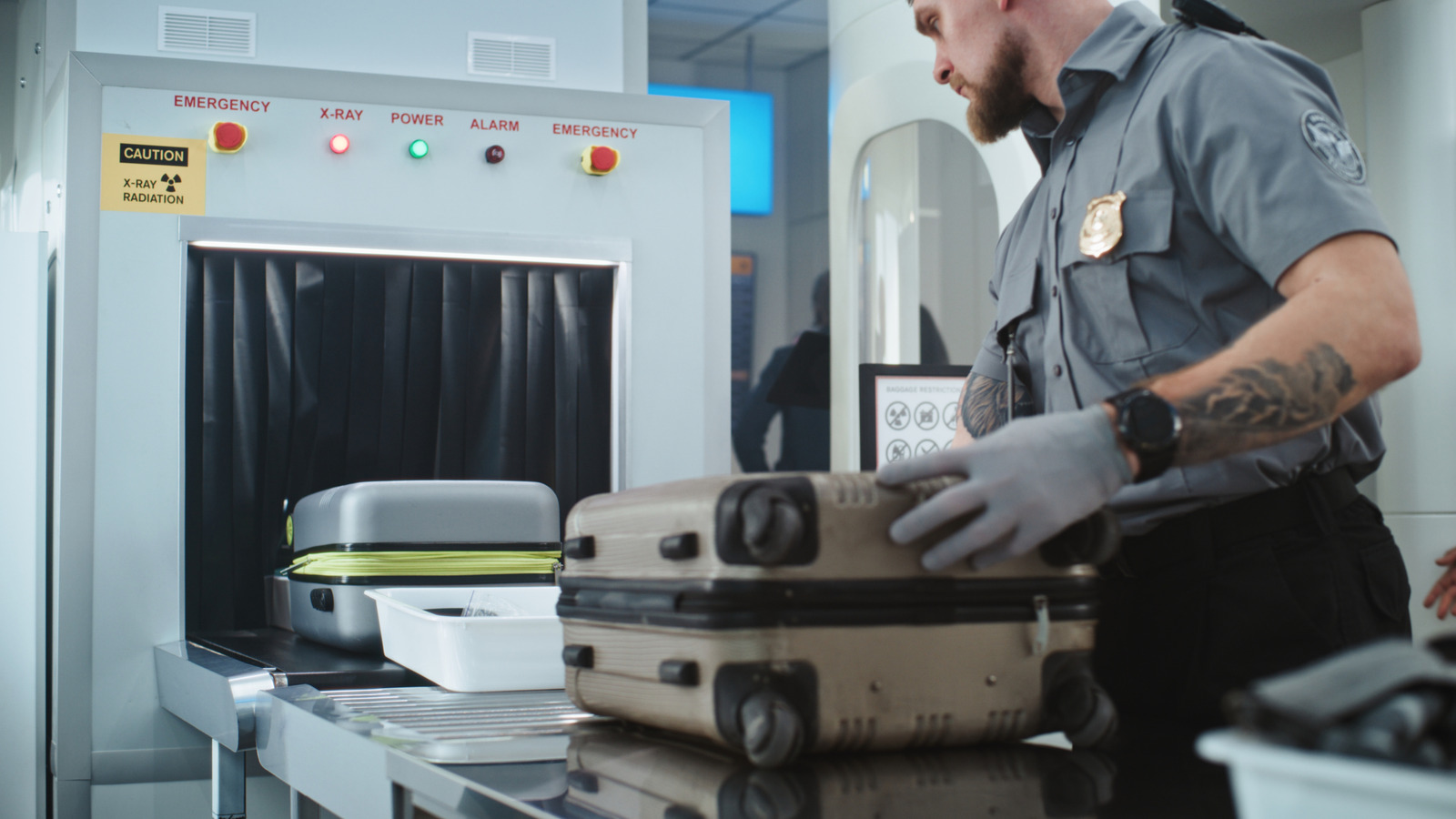
GTA 6 launches in November 2026, but unfortunately, you can't pause real life. That business trip you had planned doesn't care about your other life in Vice City, so you'll have to get creative to keep playing while you're away from home. You might be asking yourself if you should just take your PlayStation 5 along with you, and frankly, nobody here is going to judge you for that. But is it even possible to carry a big, bulky gaming console with you on a plane?
The short answer is yes. The TSA allows a PS5 in both carry-on and checked bags, but it recommends carry-on for fragile electronics. The only real issue with taking Sony's console along with you is the DualSense controller, which uses a lithium ion battery and needs some special care. The console itself just needs good padding. And if dragging your system through security sounds like too much for you, there is always the option of streaming remotely.
Should a PS5 go in a carry-on or a checked bag?
 darksoul72/Shutterstock
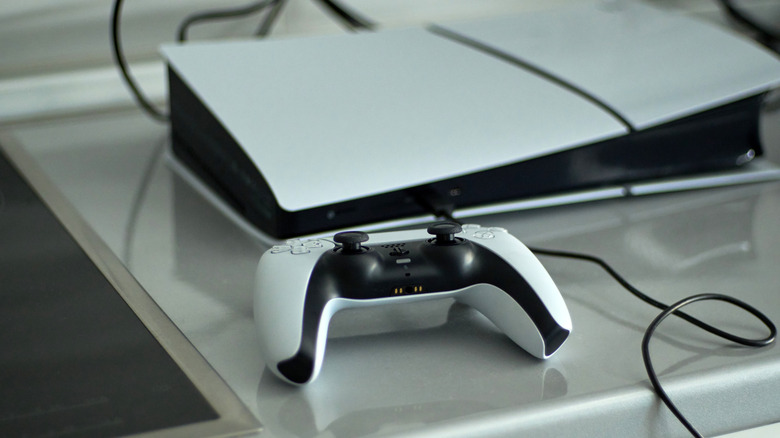
This decision is ultimately up to you. Both the carry-on and checked-bag options present their own advantages and disadvantages. A carry-on means you'll have to, well, carry your PS5 with you the entire trip. That doesn't leave a lot of room for much else in your bag, but it also means you can keep an eye on your console at all times. Putting it in a checked bag frees up space for the flight, but with your system out of sight, you run the risk of an airport worker mishandling your luggage or losing it.
No matter your choice, packing your PS5 carefully matters. In a carry-on, make sure you wrap your console with a sweater or some other padding, and pack the cables with it. If possible, it's best to keep the carry-on under the seat in front of you to avoid all the shoving and shifting in the overhead compartments.
In a checked bag, the ideal way to pack your PS5 would be in the original box or inside a hard shell, but that isn't always realistic. As an alternative, place the console in the center of your luggage and completely surround it with soft clothes. If you have a hard plastic suitcase, that would be preferable to a soft-sided bag.
What to do with the DualSense controller
 SolidMaks/Shutterstock
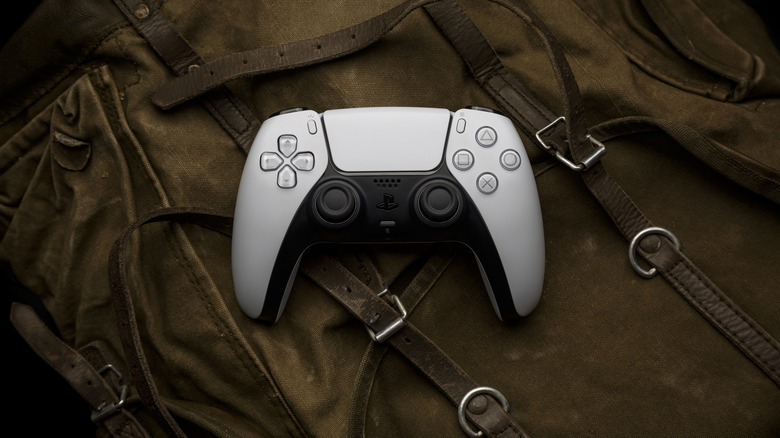
The DualSense controller has a lithium ion battery rated at 3.65 volts and 1,560 milliamp hours, which works out to about 5.7 watt hours. That is far below the 100 watt hour limit the FAA sets for lithium-ion batteries, so the controller is allowed on a plane. Still, the FAA says devices with lithium batteries should be carried in the cabin. If the controller has to be checked, it must be completely powered off and protected from damage or accidental activation. The reason is thermal runaway — a battery overheating and catching fire — which ULSE counted at an average of 2.36 incidents per week on passenger flights in 2025. In the cabin, flight crews are trained to recognize and respond to lithium battery fires.
So keep your controller with you, make sure it is turned off or completely out of juice, and wrap it in some clothes or place it in a protective shell to keep it from getting damaged. Your best option would be an official DualSense carry case, like the one that comes with the DualSense Edge.
Leave your console home and keep playing from anywhere
 DC Studio/Shutterstock
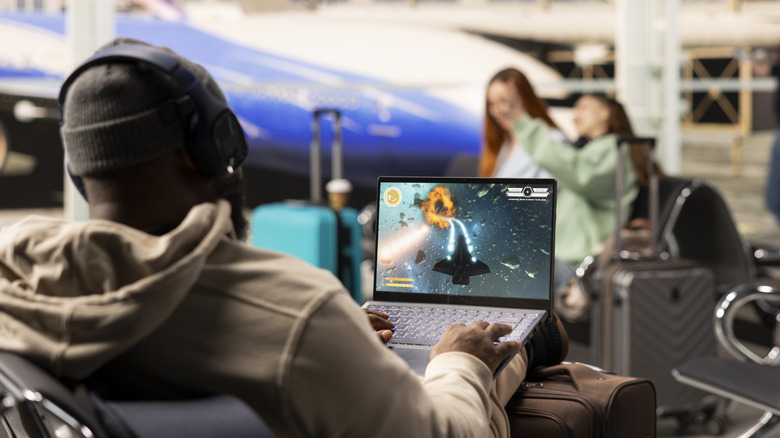
There is a third option that allows you to keep playing from anywhere without having to carry your PS5 with you, and that is PlayStation's Remote play. This alternative allows you to stream your games online using your phone, a tablet or a laptop via your home console. Sony requires a connection of at least 5Mbps and recommends 15Mbps for a smoother picture.
For this to work, you need to keep your home console running in rest mode with "Stay Connected to the Internet" and "Enable Turning on PS5 from Network" activated. You can find these options under Settings > System > Power Saving > Features Available in Rest Mode.
The PlayStation Portal makes this easier. It's a dedicated handheld that streams the PS5 over Wi-Fi. Sony says it works on public networks too, as long as it was first set up on the home network. Players with a PlayStation Plus Premium subscription can also use it to stream select games from Sony's servers with no console running at home.
How to pack your PS5 for a flight, step by step
-
Check the airline's carry-on size and weight limits against the console's dimensions.
-
Back up your save data and finish any pending updates.
-
Shut the console down completely, unplug everything, and take out the disc.
-
Wrap the power cable and HDMI cable, and pack them together with the console.
-
Pad the console in its original box, a hard case, or soft clothes toward the center of your luggage.
-
Switch the controller off and keep it in the cabin with you in a padded pouch.
-
At the hotel, make sure the TV has a free HDMI port before settling in.